Most client work isn't finished in one pass. You send a draft, they come back with notes, you make changes, you send it again. It's a loop that every designer and copywriter is familiar with — and, unfortunately, one that's easy to lose track of by the time you're on the fifth email and V2_finalfinal.pdf.
For the longest time, I did things that way. I'd try to corral feedback rounds and tasks, but there was always that inevitable "sorry, few more tweaks" — and the mental load of trying to remember whose turn it was for which page. Keeping track of the work became a whole job in itself.
Proofing as a chain of turns
When it was time to build proofing into Chord, I had to give this a lot of thought. The easy solution would have been to follow what thousands of other creatives have always done, and just create separate tasks for drafting and review. But I wanted something that would be clean, automated, and would never let me drop the ball.
So the idea of proofing cycles was born — I know, not exactly a groundbreaking name, but it's a working title — built as its own feature rather than a stack of loose tasks. A proofing cycle is one deliverable that goes back and forth until it's approved.
When you create a proofing cycle, Chord spawns a deliverable task and a review task pair. This is one round in a cycle. You upload the deliverable, send it, and the client automatically gets the notification to review it. When they've reviewed and sent back the feedback, they get the notification that one round of feedback has been spent. On your end, the next deliverable-and-review pair of tasks are spawned. You make changes, upload the revised deliverable, and send it, and the client reviews it.
These deliverable-and-review pairs keep spawning as long as the client requests changes. Chord will flag it out to both you and the client when they exceed the set number of revision rounds, and you can choose to bill for those if it's set out in your agreement.
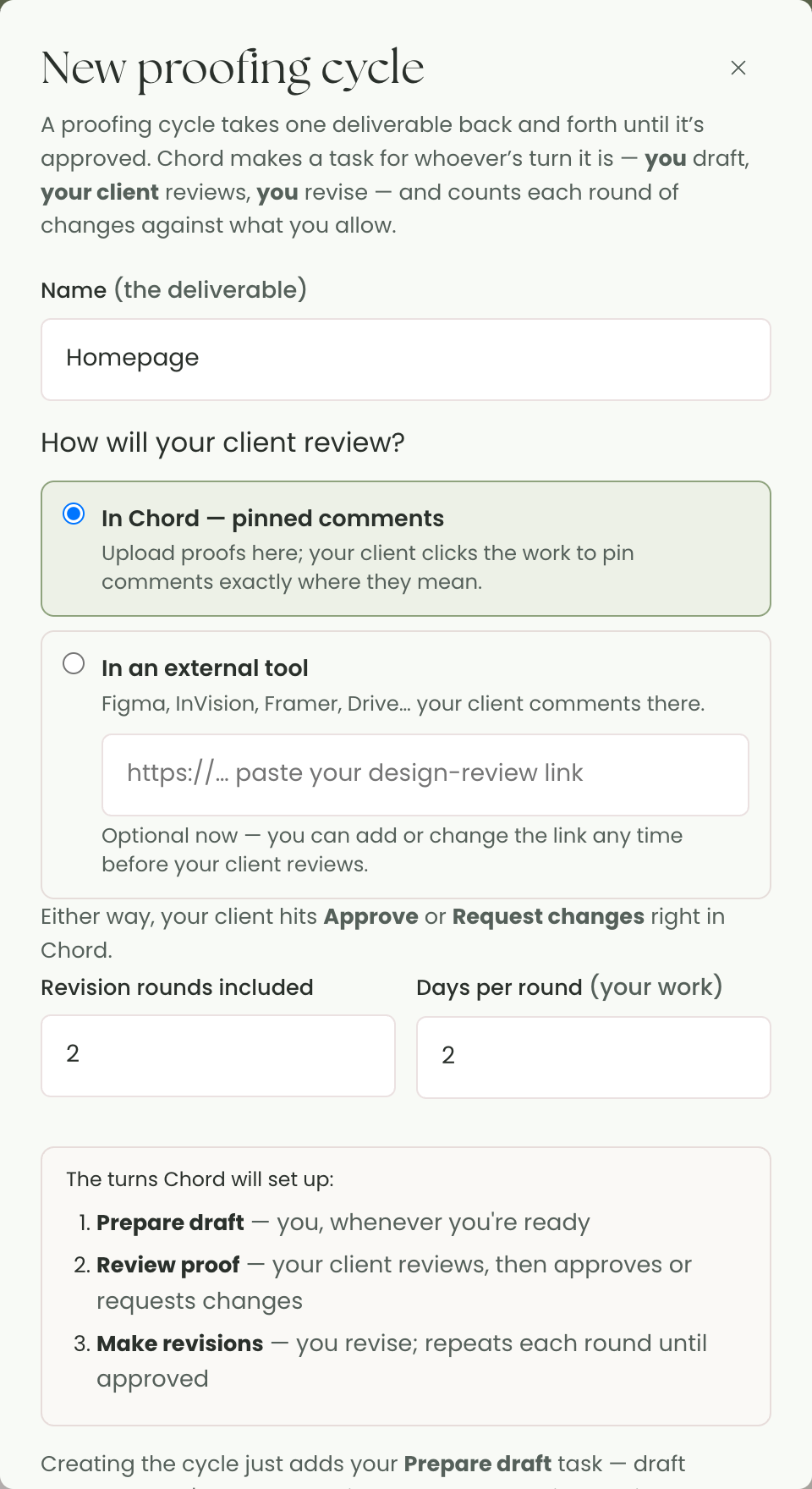
You never have to ask "whose turn is it?"
Because every turn is a real task with one owner, the answer is always on the screen. Your revise tasks show up in your own list as work to do. The client's review turn shows up in their portal as "waiting on you." Nobody's chasing a file through an inbox, and the timeline finally matches the actual back-and-forth instead of hiding it inside a single vague line.
There's a quieter benefit too: a client's review is a waiting window, not your working time, so it never eats into your capacity or nudges your forecast around. The days that count as work are the days you're actually at the desk.
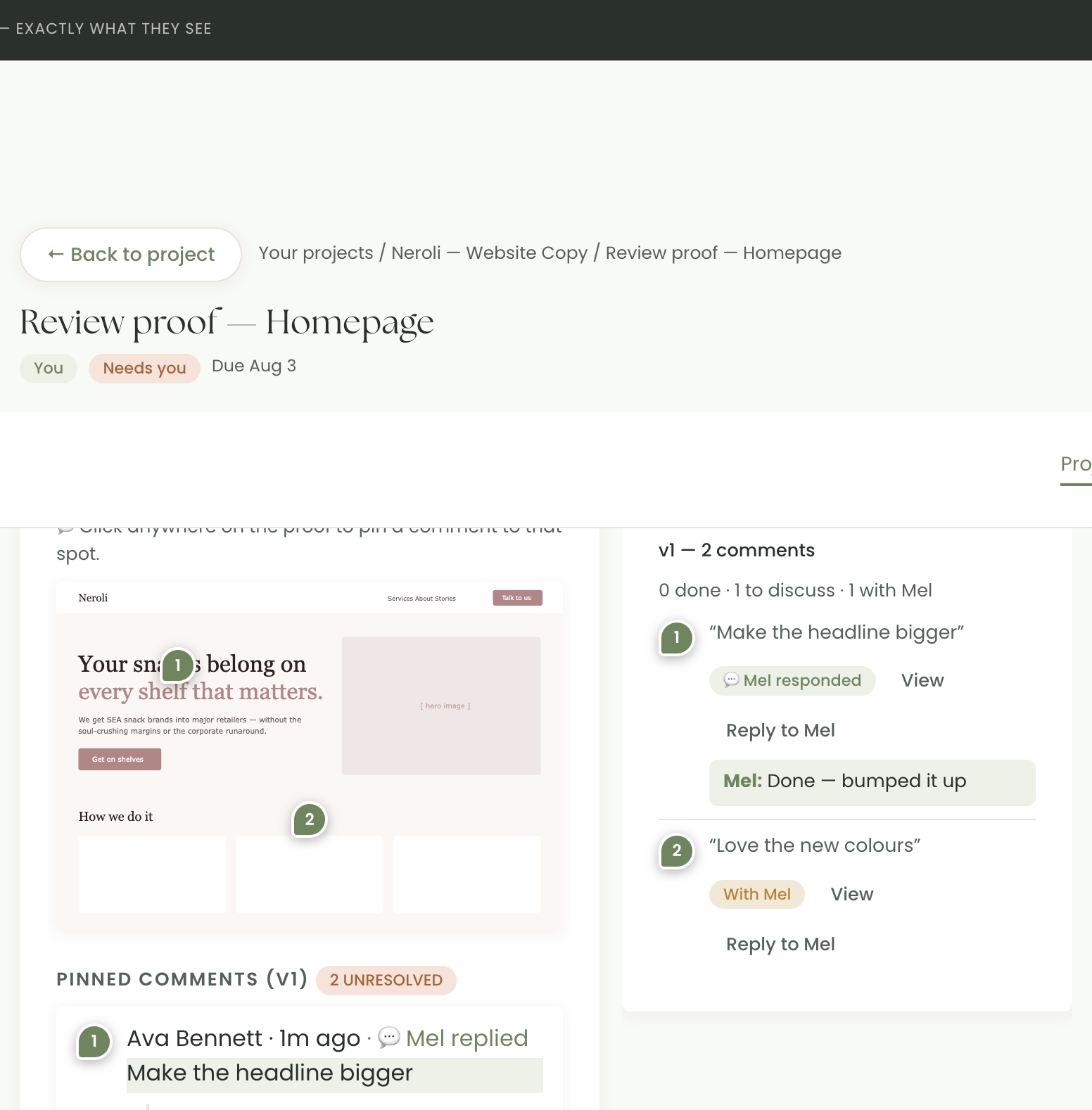
You can push back — and you won't miss the reply
Not every requested change is the right call, and a good proofing tool shouldn't assume it is. You can reply to any comment to talk it through instead of silently doing it. And when the client replies back to your reply, it doesn't disappear into a thread you'll never reopen — it surfaces on your dashboard under “Needs your attention,” right next to the invoices to check and agreements to sign. The conversation stays a conversation, and nothing goes unanswered because you didn't happen to scroll back to the right pin.
Revisions that stay honest
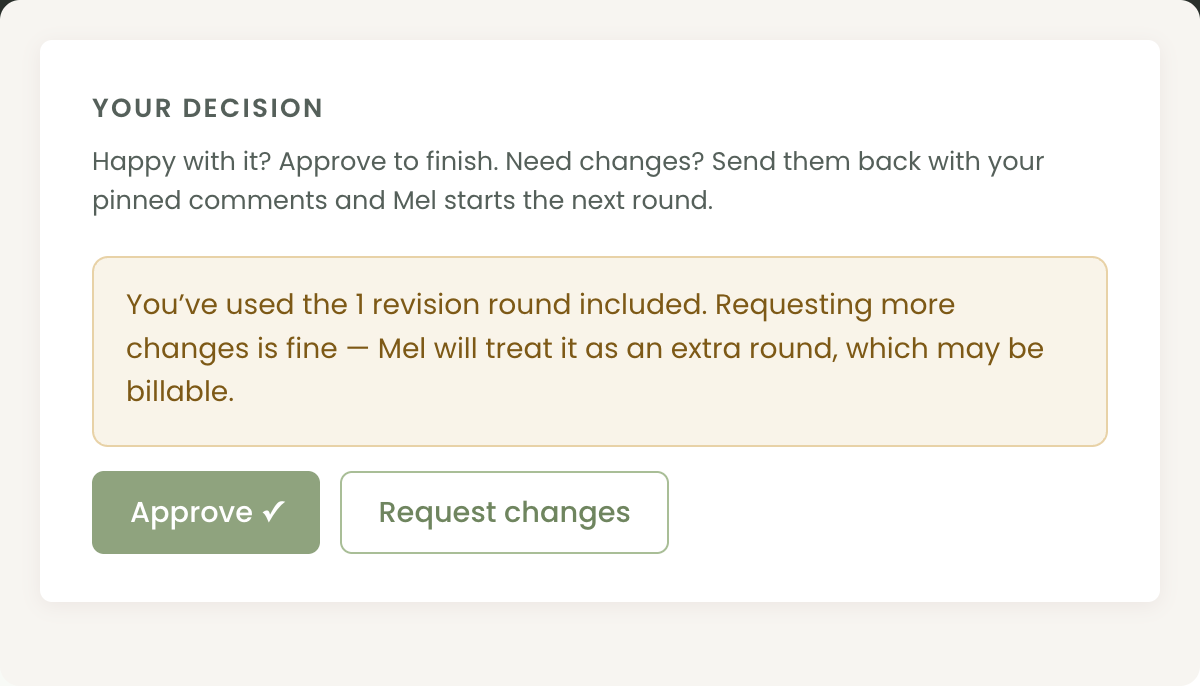
Each time a client requests changes, that's one revision round spent — counted in the open, against the number you included in the contract. When someone goes past it, Chord doesn't slam a door: it quietly flags the next revision as an extra round, out of scope, so you can decide to bill it or wave it through. Either way it's a choice you make on purpose, not a slow leak you notice only once you're tired.
And if you'd rather review in Figma, or Framer, or Google Drive — or on a staging site that keeps the same URL all project? Paste your link into the cycle and the whole flow works the same: your client comments in their tool, then comes back to hit Approve or Request changes. The link lives on the cycle, so it carries across every round automatically, and you can update it any time the URL changes. The structure holds no matter where the marking-up happens.
Approved should feel like approved
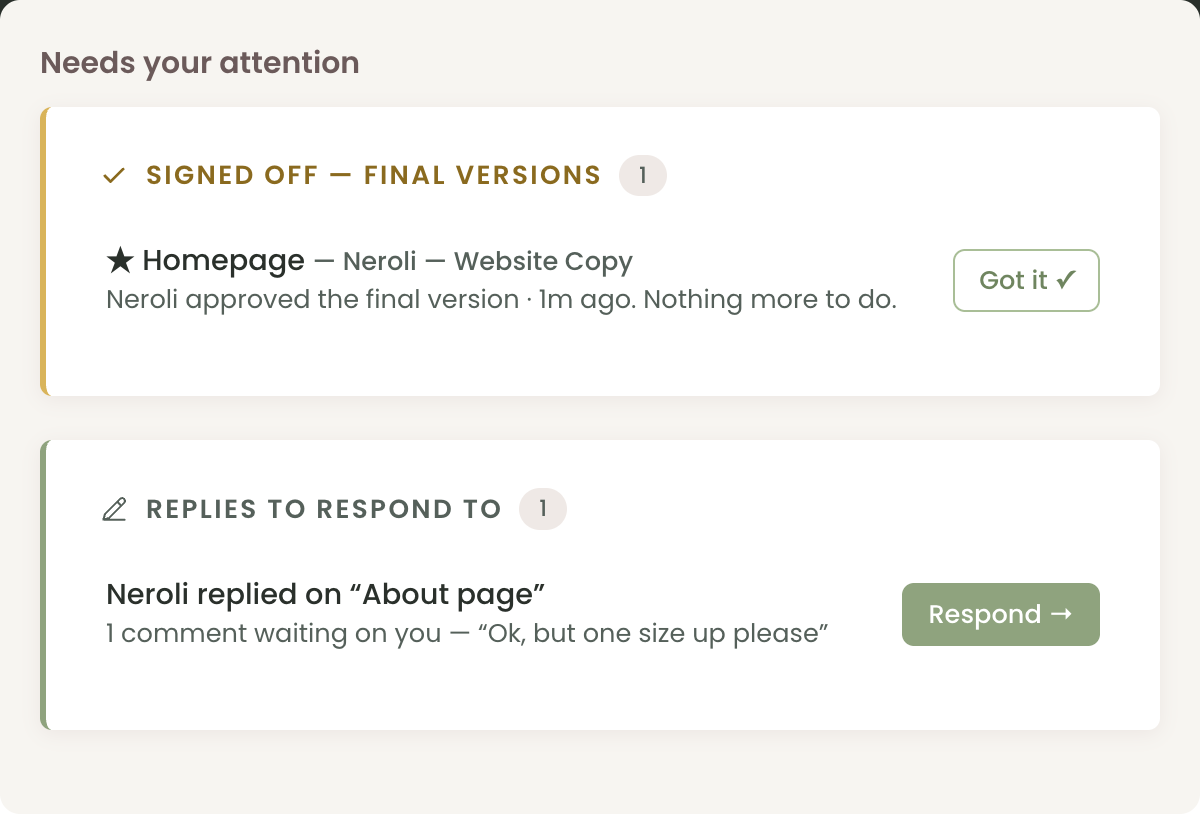
When your client approves a deliverable, they see a clear "this is the final version" banner. On your side, you get an email, a Signed off card, and the whole cycle — with all its rounds — collapses into a single golden ★ Final approved line.
That last part makes it both aesthetically tidy and satisfying. And when you've got eight web pages each with its own proofing cycle, you will always know what's still in proofing and what's been approved, so nothing gets messy. You don't lose the comment history or versioning, either — both remain viewable within the task itself.
Already set up for your kind of work
You shouldn't have to build this scaffolding by hand for every project. When you start a project in Chord, the right proofing cycles are already in place for your discipline — an in-Chord proof for a copy draft or a set of logo concepts, an external-link cycle for a staging site or a photo gallery. Delete what you don't need, tweak the rest. The default is a sensible version of how your field actually ships work, not a blank canvas.
Small tool, fewer open loops
None of this is complicated on its own. But the difference between "I think I'm waiting on two proofs" and "here are the two tasks, here's whose turn each is" is the difference between carrying your projects in your head and letting the tool carry them for you. That's the whole point of a CRM for creatives — not more features to manage, just fewer open loops rattling around at midnight.